Valkey on Docker

If you’re new to Valkey, the open-source fork of Redis, and want a local setup with a GUI, this guide walks you through running Valkey in Docker on Windows and connecting to it using AnotherRedisDesktopManager (RDM).

Valkey on Docker Hub

Run Valkey in Docker

  • Create a folder, e.g. C:\apps\valkey

  • Inside that folder, create a file called docker-compose.yml with the following content

				
					services:
  valkey:
    image: valkey/valkey-bundle:latest
    container_name: valkey
    ports:
      - "6379:6379"
    volumes:
      - ./valkey-data:/data  # stores data in local folder next to the compose file
    command: valkey-server --save 60 1 --loglevel warning
    restart: unless-stopped


Open CMD in that folder and run:

				
					docker compose up -d


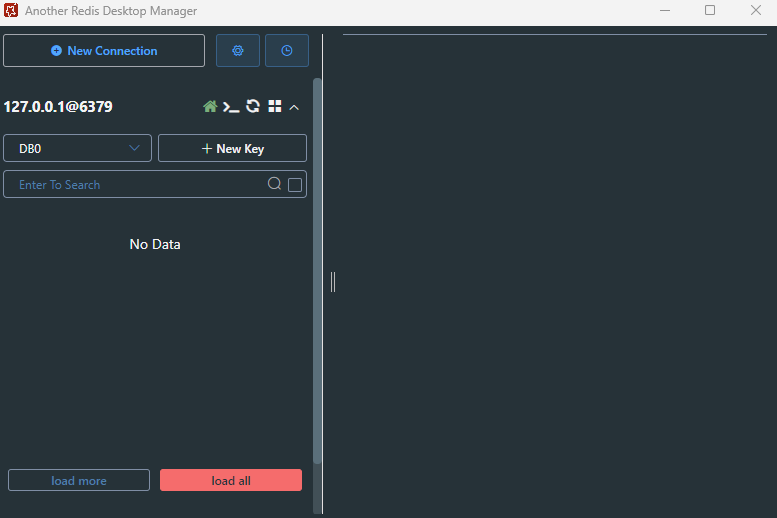
Connect with AnotherRedisDesktopManager

Test It

  • Access Terminal though Docker and type in: valkey-cli then you will be connect when you see 127.0.0.1:6379 – you might need to set a username, password and permission if you are using AWS ElasticCache Redis or ValKey
  • Once connected, add a new value using: SET user “khalil” as example
  • then check the Another Redis Desktop Manager

Final Notes

Articles Connexes